How to set up IPTV on Fire TV Stick
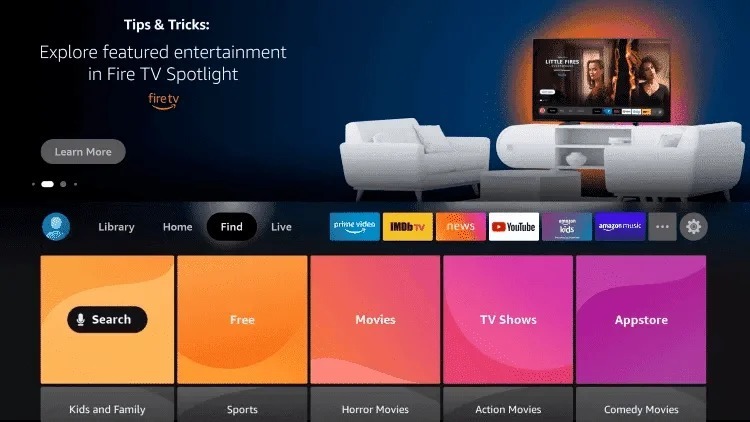
Step 1: Hover over the Find option from the home screen of your device.
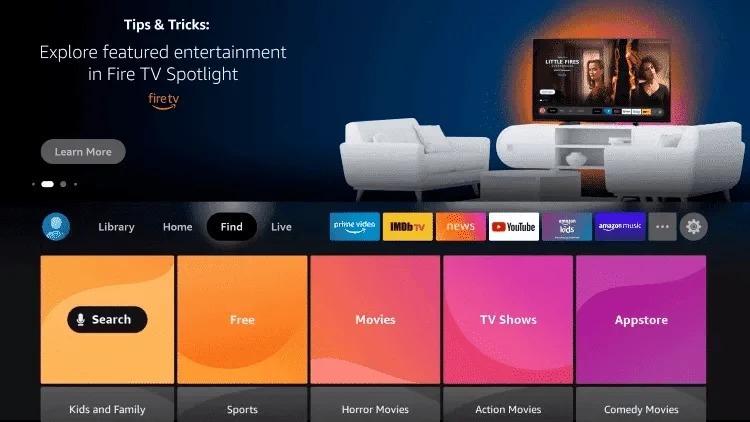
Step 2: Click Search.
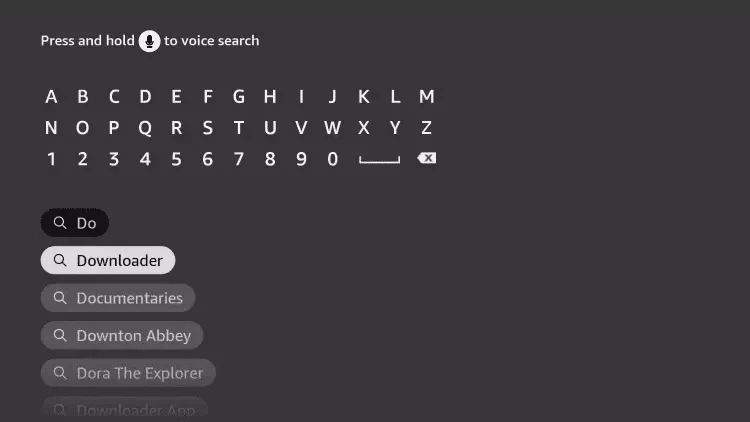
Step3: Search for and select Downloader.
Step 4: Select the Downloader app.
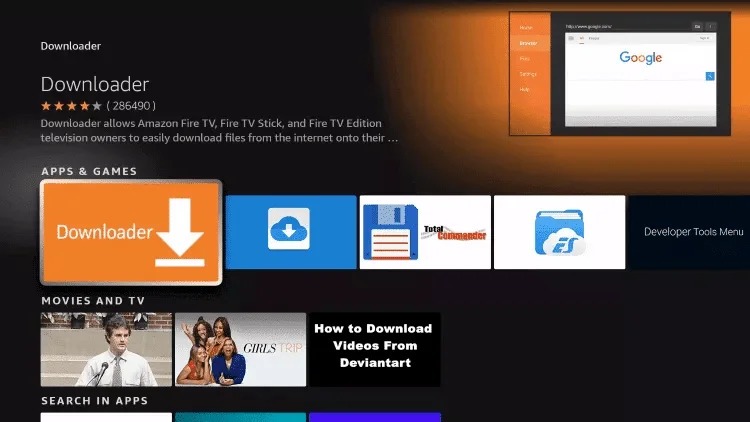
Step 5: Click Download.
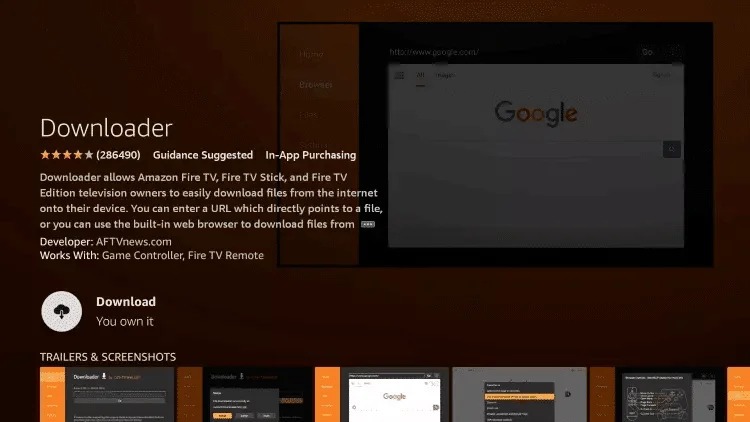
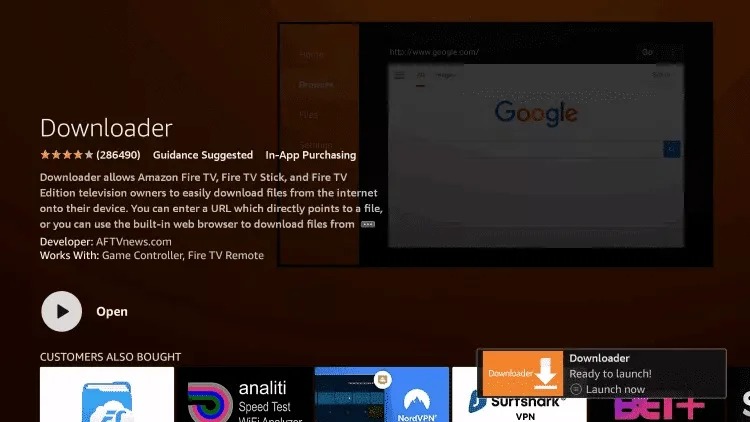
Step 6: Click Open when the app has finished installing.
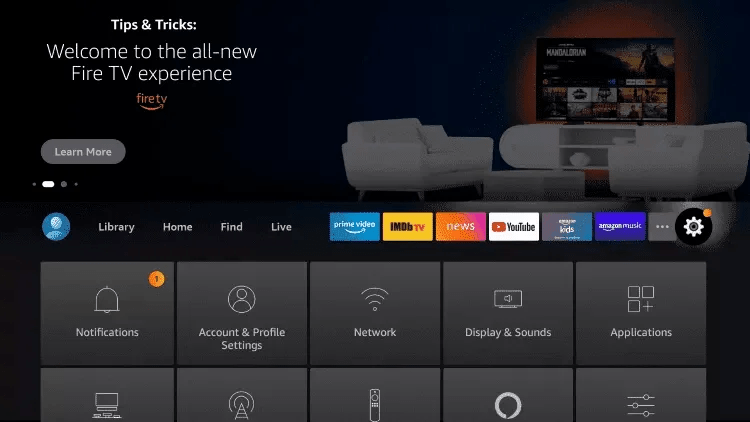
Step 7: Go back to the home screen and open Settings.
Step 8: Click on My Fire TV.
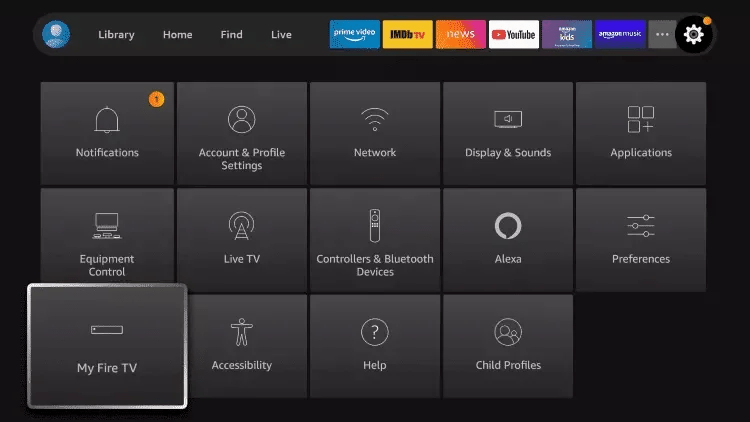
Step 9: Select developer options.
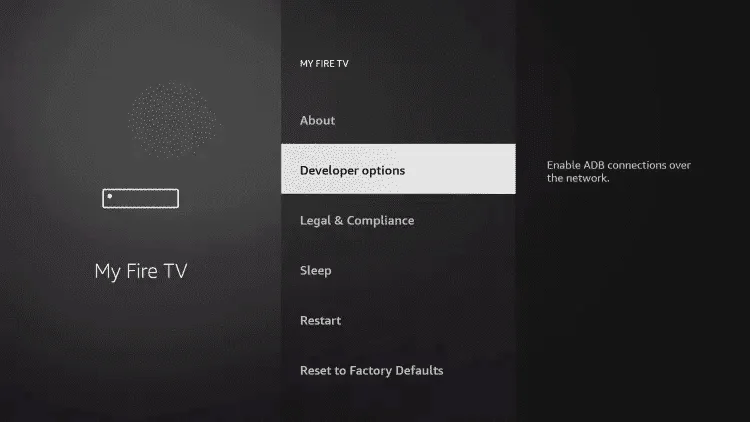
Step 10: Click on Install unknown apps.
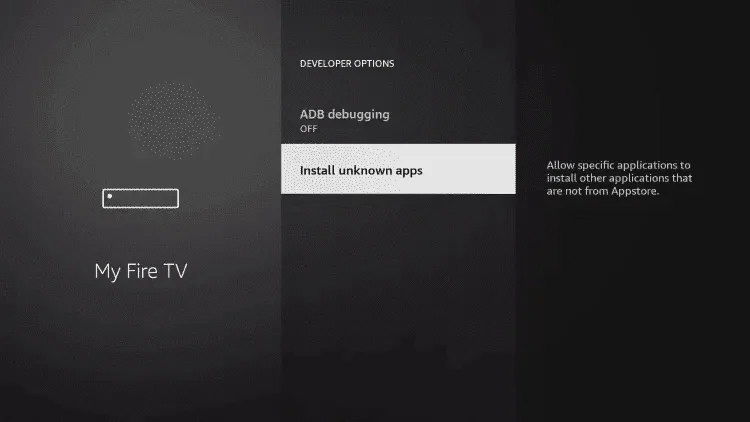
Step 11: Find the Downloader app and click on it.
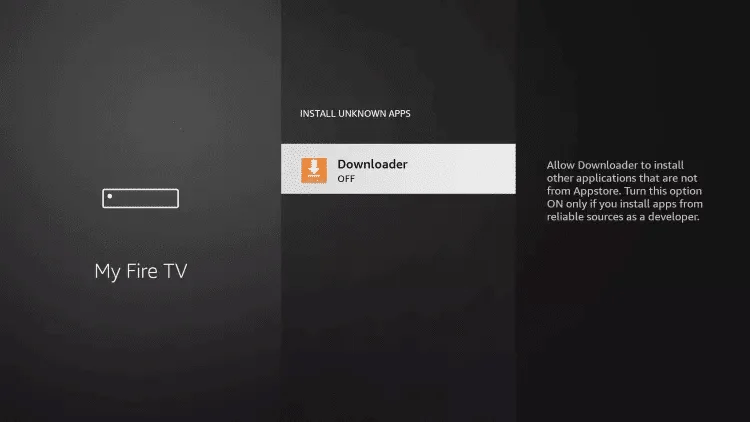
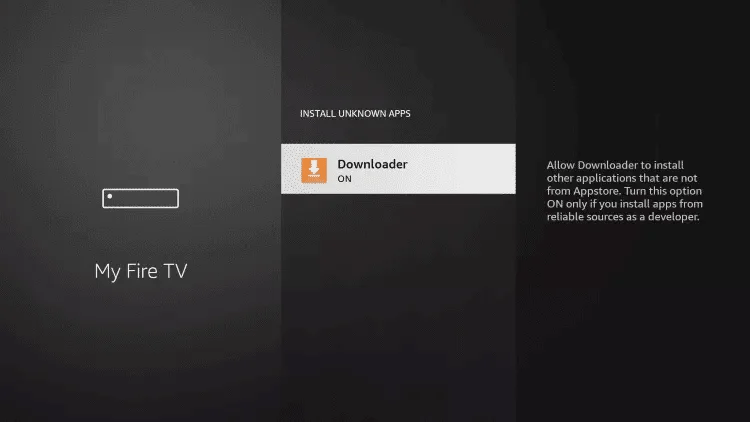
Step 12: This will enable Unknown Sources for the Downloader app. This will enable page loading on your device.
Step 13: Start the downloader.
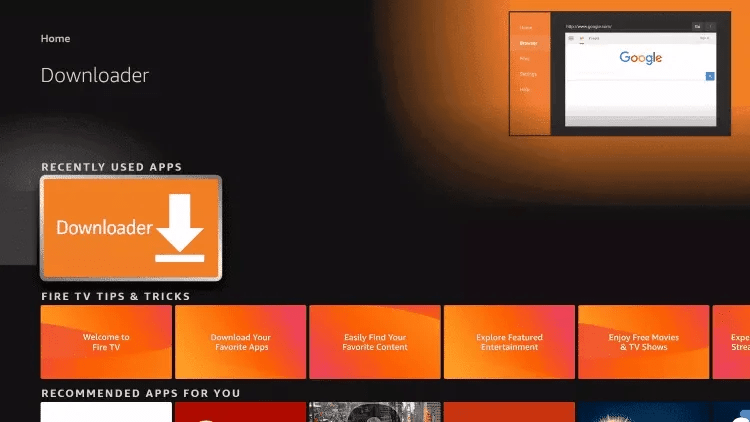
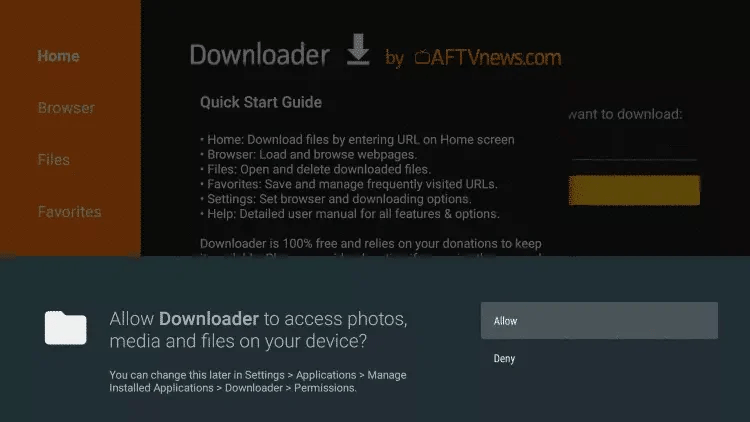
Step 14: Click Allow.
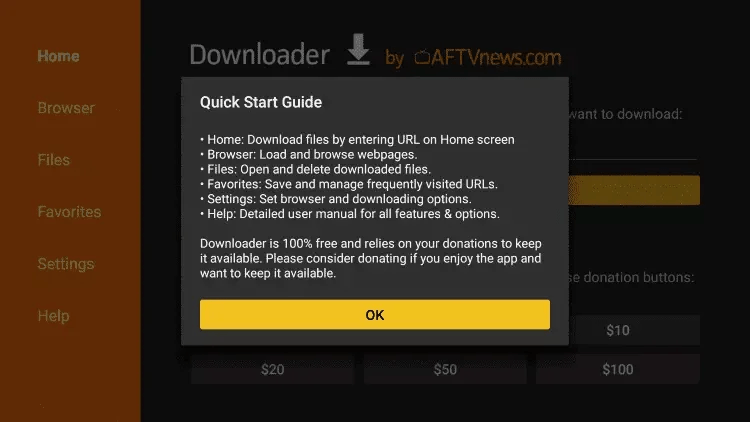
Step 15: Click OK.
Step 16: Enter the following URL exactly as shown here: iptvsmarters.com/smarters.apk and click Go.
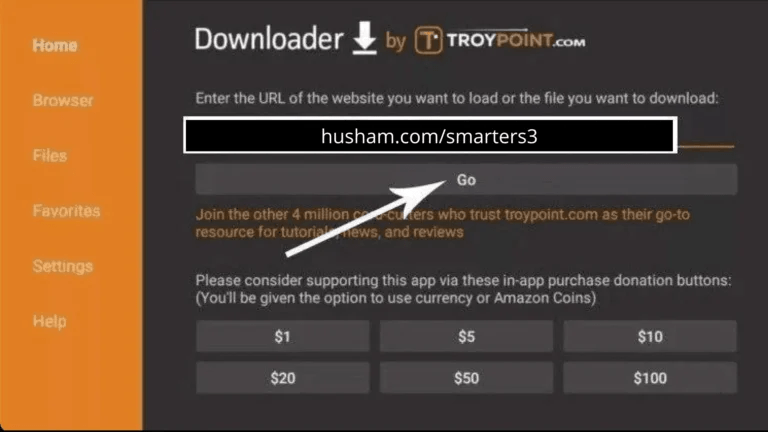
Step 17: Wait for the file to download.
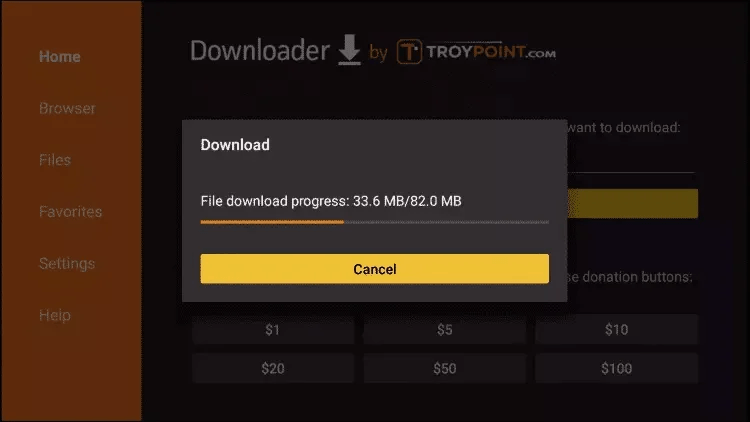
Step 18: Click Install.
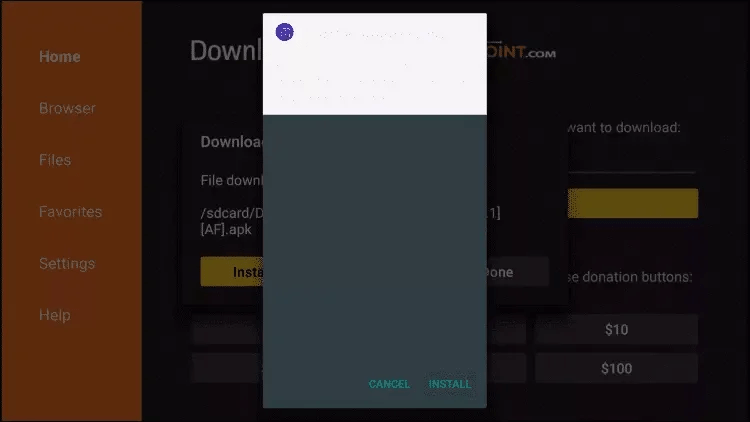
Step 19: Click Done.
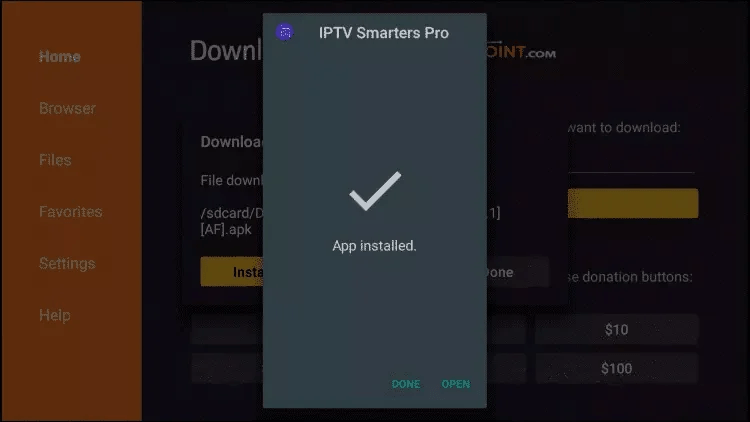
Step 20: Open IPTV smarters and then select Login with Xtream codes api.
Step 21: Enter the login details that we sent you via Whatsapp or email or chat
FOR TIVIMATE
Step 1: Enter the following URL exactly as shown here: https://tivimates.com/tiviapk and click Go.
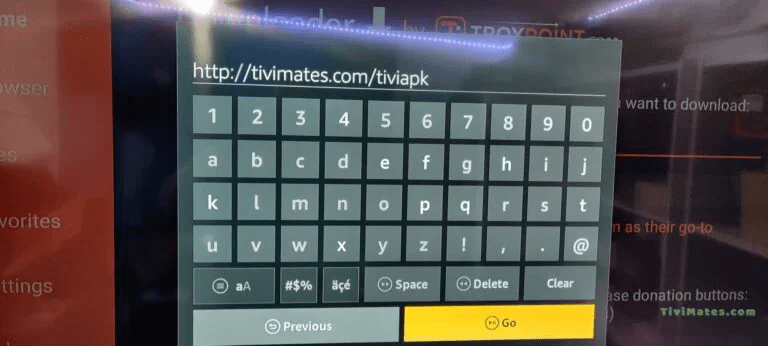
Step 2: Wait for the file to download.
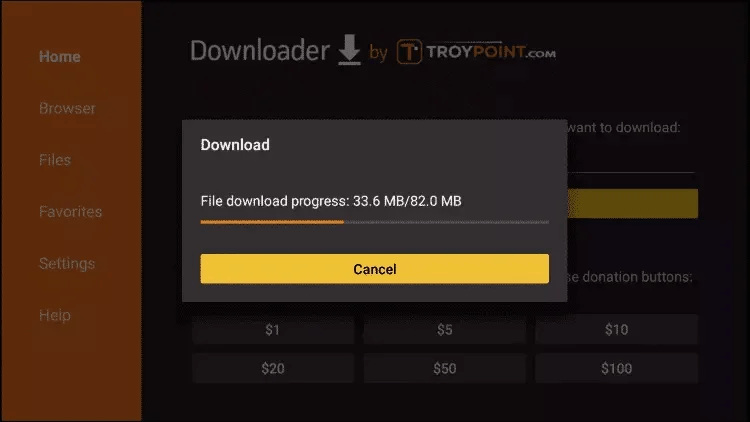
Wait until the file download is complete
Step 3: Click Install and when the installation is complete. You can open the app.
Step 4: Click “Add Playlist” and then select “Xtream Codes”
Step 5: Enter the login details that we sent you via email